
KeePass-compatible
ManyKee
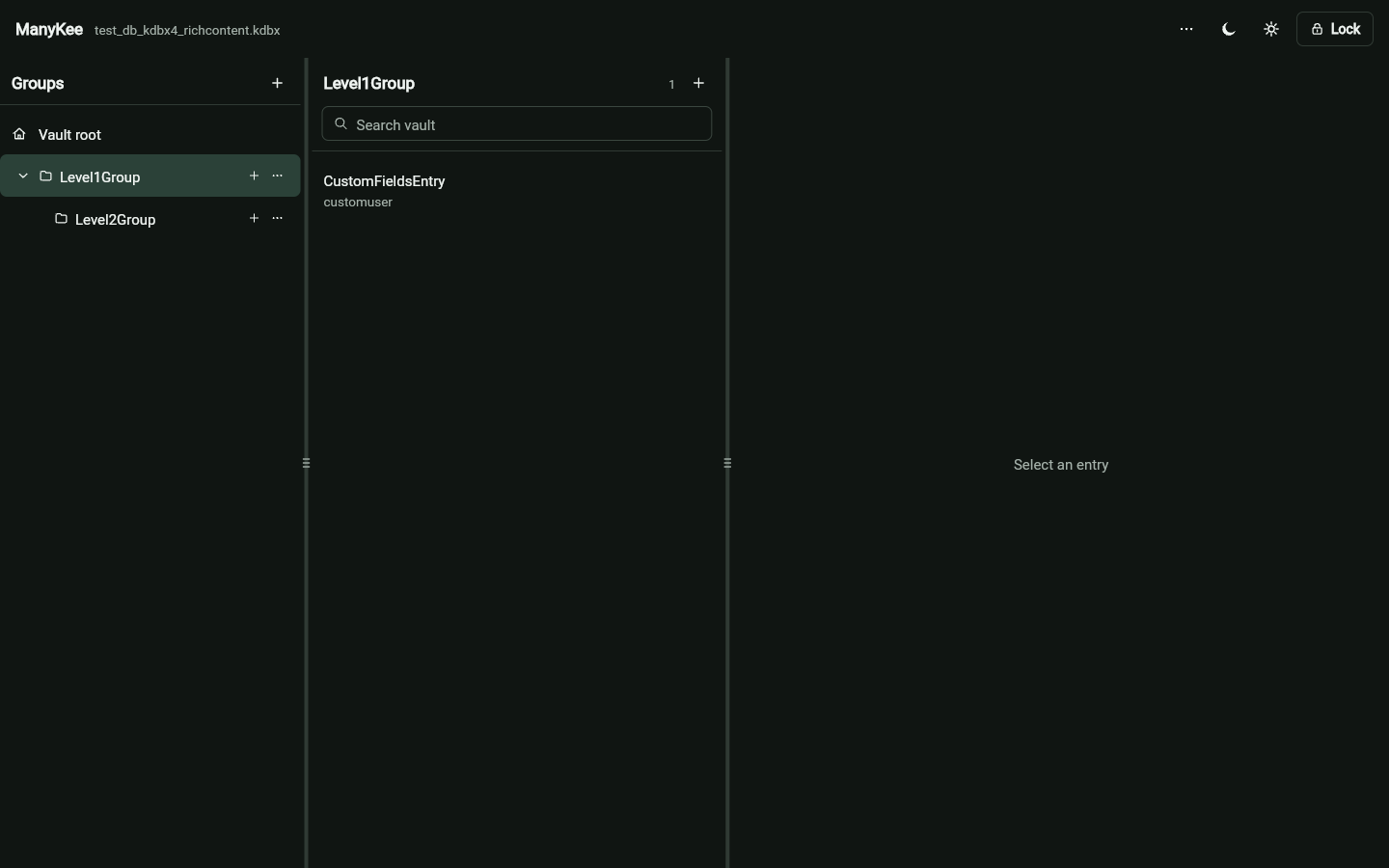
Open and edit the KeePass (KDBX) vaults you already have. Files are processed locally in the browser.
No account required.
KDBXKeePass-compatible files
LocalProcessed in your browser
PortableOpen and save standard vaults
How it works
-
Choose a KDBX file
Open an existing KeePass database from your device.
-
Unlock in the browser
Your database is handled locally by a dedicated WebAssembly worker.
-
Work, then save
Browse and edit entries, then download the updated vault.
The KDBX format
ManyKee reads and writes standard KDBX files. The same vault keeps working with KeePass and other compatible tools.
Open the web app